If you run a plumbing and heating business, the rule for your Google Business Profile is simple: if you don't serve customers at your address, don't show it, and list a service area instead. Most plumbers work out of a van and visit customers at their properties, making this the correct setup for the trade. Hiding your home address keeps it off your public profile, and it is what Google's guidelines ask of a service-area business.
Service area business, shop front or hybrid
Google's help pages set out which businesses can use a service area. To use a service area, a business must be a Service Area Business or a hybrid business. A Service Area Business visits or delivers to customers but does not serve them at its address. Google uses plumbers and cleaning services as its main examples for this type. A hybrid business serves customers at its address and also visits or delivers to them. A shop front business is one that has permanent on-site signage and serves customers at its address.
Most plumbing and heating firms work in customers' homes and do not serve customers at their own address. This means they fit Google's definition of a Service Area Business. A firm with a showroom that customers visit, with permanent signage, is a shop front or hybrid business instead. If a business does not have permanent on-site signage, it is not eligible as a shop front and should be listed as a Service Area Business.
Businesses showing their address on Google should maintain permanent fixed signage of their business name at the address. A hybrid business that serves customers at its address should have the location staffed and able to receive customers during its stated hours. Categories are a separate choice. Most plumbing and heating firms use Plumber as the primary category, and some add categories such as Gas engineer, Gasfitter, Gas installation service, Drainage service, Heating contractor or Radiator repair service, but only where the category describes work the firm really does.
The table below compares options on the same few points for different business types on Google.
|
Business type |
Serves customers at address |
Permanent signage at the address |
|---|---|---|
|
Service Area Business |
No |
Not needed if the address is hidden |
|
Shop front |
Yes |
Yes |
|
Hybrid business |
Yes |
Yes |
Why your home address should not show
The address on your Business Profile is public, meaning anyone searching for a plumber can see exactly where you live. If you do not serve customers at your business address, such as a service-area business, you can choose not to show your address and list your service area instead. Google's guidelines say that if you are a service-area business you should hide your business address from customers.
Google's own example is a plumber: if you are a plumber and run your business from your residential address, clear the address from your Business Profile. Listing an address where you do not receive customers is against Google's guidelines. Postal workarounds are not the answer either, as the next paragraph explains.
A virtual office is a rented postal address the business does not operate from. This type of address is not eligible for a Business Profile, and service-area businesses cannot list a 'virtual' office unless that office is staffed during opening hours. PO boxes and mailboxes at remote locations are not acceptable addresses either. Businesses with a PO Box address are not permitted on Google Business Profile, and a profile with its address set at a PO Box will be suspended. If you ever need it, there is a separate guide on what to do about a suspended profile. Google decides whether a profile is reinstated.
How to hide your address
Google changes these screens from time to time, and the names here are the ones Google's help pages used in November 2026. Google says you should only choose not to show your address if your business is a service-area business.
To stop showing your address, follow these exact steps:
- Go to your Business Profile.
- Select Edit profile, then Location.
- Next to 'Business location' select Edit.
- Turn off Show business address to customers.
- Select Save.
If you hide your business address, your Business Profile only shows your service area. If you do not enter a service area, a local area is chosen for you, which you can edit later. Changes to your profile usually take about 10 minutes to show up, and in some cases up to 30 days. Google says it determines how best to display your business address based on your business information and information from other sources.
Setting your service areas
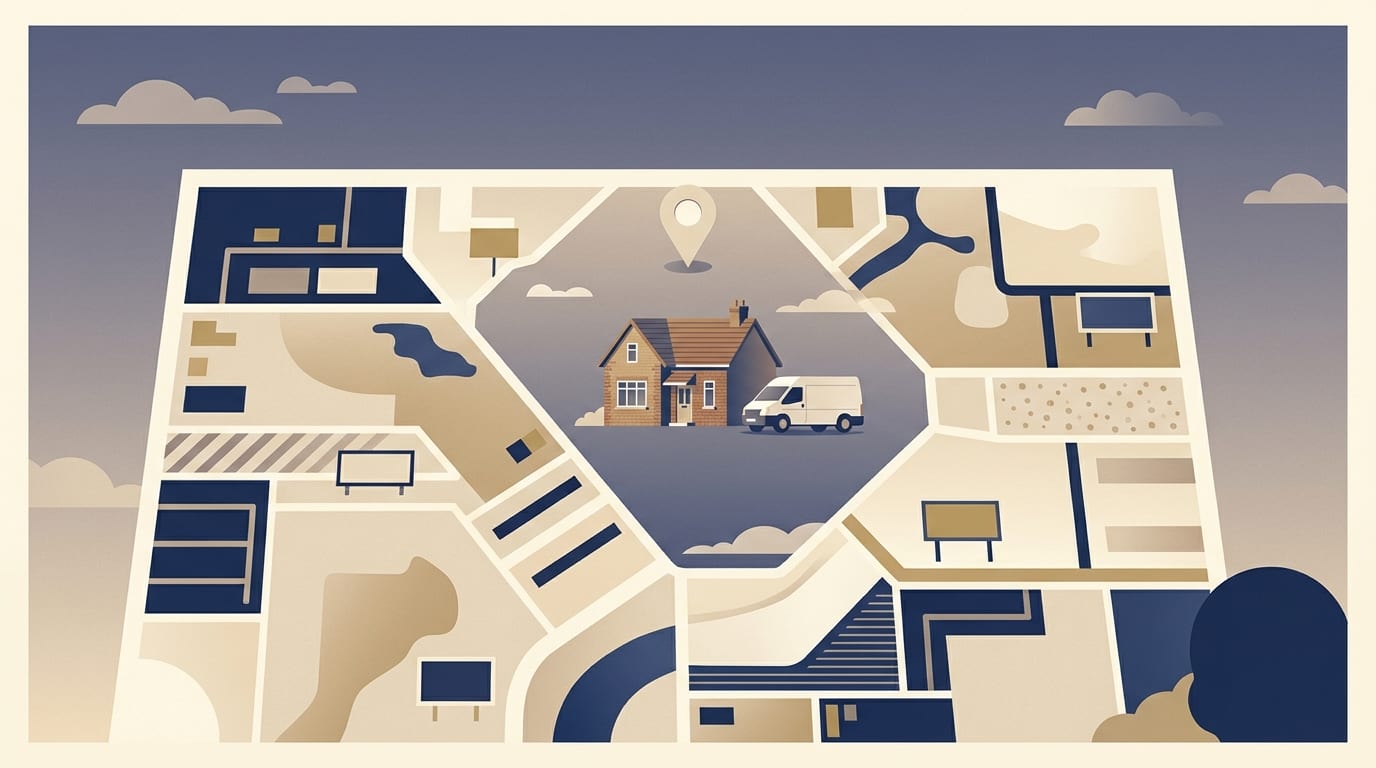
Once your address is hidden, you need to tell Google the exact locations where you actually work. You can set up to 20 service areas, based on the cities, postcodes or other areas you serve. The boundaries of your overall area should not be more than about two hours of driving time from where your business is based. Google says to be as specific and accurate as possible when choosing these locations.
To add or edit a service area, follow these steps:
- Go to your Business Profile.
- Select Edit profile, then Location.
- Next to 'Service area' select Edit.
- Select a suggested service area or enter one.
- Select Save.
If approved, service area edits may take up to 48 hours to show on your profile. When picking your areas, a worked example helps show how to stay within the rules. Imagine a plumbing and heating business based in a large town, travelling to nearby villages and one adjacent city. Instead of selecting the entire county, the business owner enters the main town by name.
They then enter the specific postcode areas for the surrounding villages they actually visit, rather than broad regions. Finally, they add the adjacent city. This uses just a few of their 20 allowed areas, keeps the boundary well under two hours of driving time, and accurately reflects where they work without breaking the guidelines.
If you need to change your coverage later, you can remove areas you no longer visit. To remove a service area, select Edit next to 'Service area' and remove the locations you do not serve under 'Selected service areas', then Save. To remove all of your service areas you must be a shop front business with your business address on the profile.
Rules that catch businesses out
The radius setting needs care. You cannot set your service area as a radius distance around your business. If you previously set it up that way you cannot edit it, and must instead specify your area by city, postcode or another type of area.
A Service Area Business can only have one profile for the whole area it serves. Google allows one profile per location for a service business with different locations, each with separate service areas and separate staff. Otherwise a business that travels to customers is allowed one service-area Business Profile.
If your business model changes, you must update your profile to match your new daily operations. If you change from a shop front to a Service Area Business or hybrid business, the rules depend on how you interact with your customers. If you serve customers at your address and also have a service area, enter both. If you do not serve customers at your address, remove the address and only enter your service area.
Sometimes you need to take control of a profile that already exists, perhaps if a former business partner set it up. To request ownership of a Service Area Business that provides services at the customer's location and does not have a physical shop or office, Google says to contact it. In the 'Tell us what we can help with' field enter Transfer ownership of listing, and choose Transfer ownership of listing as the issue description.
Verifying a business run from home
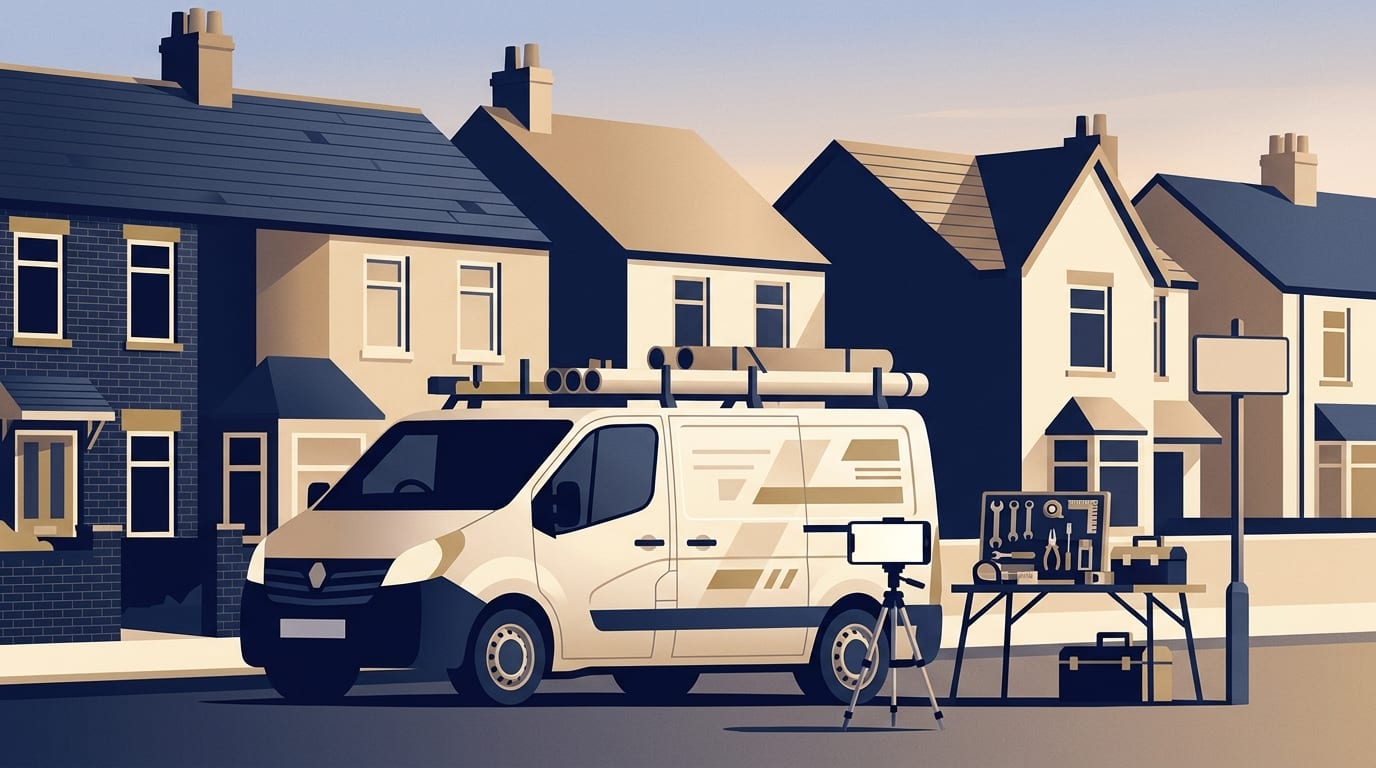
When you set up a new profile, Google decides which verification methods you are offered. If video is one of them, a Service Area Business video must show where the business operates. To confirm your location, record street signs, nearby landmarks or other identifiers at your business address, and avoid filming empty land or locations without clear markers. Google's tip is that if you run a Service Area Business from your home, you can record landmarks and signs in your immediate neighbourhood to verify the address.
The video should also show that the business exists. Google's examples are the tools, equipment or products you use for work, so a plumber could show a signwritten van with racking for pipe and fittings, and hand tools and equipment such as pipe cutters, a pipe bender, a press-fit tool, a blowtorch, drain rods and a flue gas analyser. Keep the blowtorch and any other equipment switched off or unlit while you film.
You could also show stock such as copper and plastic pipe, fittings, valves and a boiler or cylinder, and branded workwear. To show that you manage or represent the business, you can feature an invoice from a plumbers' merchant or a utility bill that matches the name on your profile. Keep account, bank and tax numbers out of shot.
Safety and privacy matter when recording your video for Google. Keep ID cards and registration cards with licence numbers and photos out of the video, because Google does not allow sensitive info such as ID numbers. Never film inside a customer's home, and keep other people's faces out of shot. Stick to your van, your driveway, the street signs and the equipment mentioned above. The guide to video verification for plumbers covers the process.
Moving home or base
Plumbers and heating engineers often move house, which means the base of the business moves to a new location too. If your business moves, Google says not to create a new Business Profile for the new location. You should update the existing profile with the new address instead, even if that address remains hidden from the public.
Moving matters for verification. If you move your business to a new address after it is verified, you must verify your business again. You might also need to verify your business again if you change your business name after it is verified.
As your business grows, you might add new skills like gas work, boiler installations or drainage clearing. If you offer different services, do not create separate profiles for each service. Google says to list them as services on one profile instead.
Common questions
Will hiding my address hurt my ranking?
Google's help pages give no rule on whether hiding a residential address affects your local ranking. Google determines how to display your address based on its own information, but does not publish how this changes your position in search results.
Can I show my home address if I have a workshop there?
Not just because you have a workshop or store tools there. Google's guidelines say businesses showing their address should have permanent fixed signage of their business name at it, and a hybrid business that serves customers there should have the location staffed during its stated hours.
How many areas can I add?
You can set up to 20 service areas on your profile. You should choose these by city, postcode or other specific areas, keeping the total boundary within about two hours of driving time from your base.
Why can I not edit my radius?
Google does not allow a service area set as a radius distance around your business. An old radius area cannot be edited, so use specific towns or postcodes instead.
What if I move house?
If you move house, you must update your existing profile with your new address rather than creating a new profile. Because you are moving after verification, you must verify your business again at the new address.
Your next steps
To get your profile set up correctly and keep your home address private, follow this checklist:
- Check that your business fits the rules for a Service Area Business.
- Log into your profile and turn off the setting that shows your address to customers.
- Add up to 20 specific service areas by town or postcode.
- Check that your furthest service area is no more than two hours of driving time away.
- If Google offers you video verification, plan your recording at your base.
Hiding your address and setting clear service areas keeps your profile in line with Google's guidelines. Take the time to enter accurate postcodes, update your details if you move house, and when you are done you can look up plumbing firms by area.
Find a top rated plumber near you
4,869 plumbers across the UK, each ranked on their Google rating and the number of reviews behind it. Start with your county: